Enjoy streaming and torrenting together
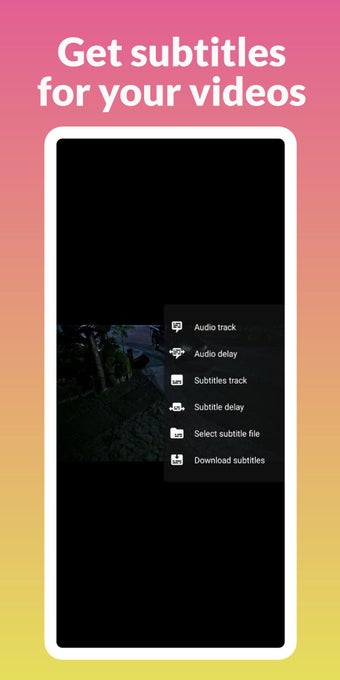
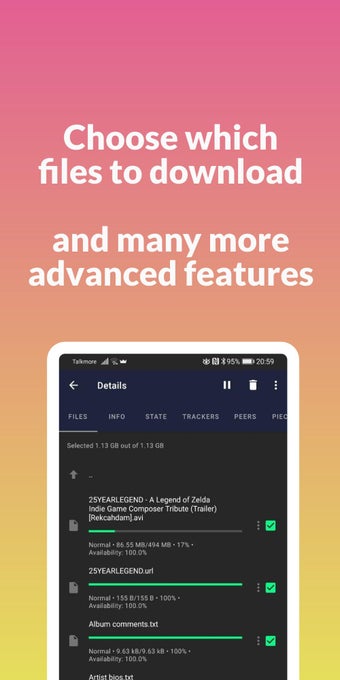
BitLord is a free P2P mobile app that lets you easily download and stream videos. Developed by House of Life, this multimedia app is a download manager that offers torrenting capabilities on top of quality video-streaming. It’s a BitTorrent client that you can also enjoy on PC. The interface is easy to use but some features and terms are different from the standard ones so you may need to consult the online FAQ.
Is BitTorrent app safe?
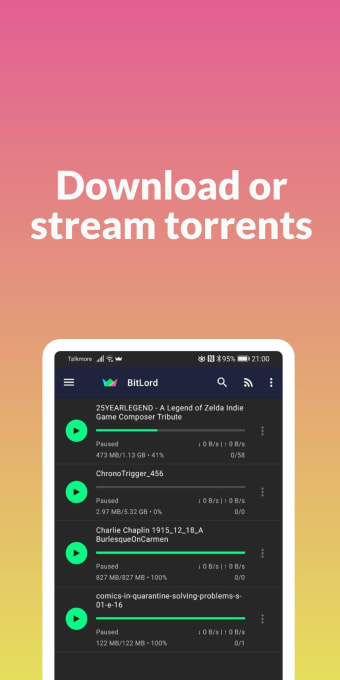
BitLord is an easy-to-use torrent downloader that was built using Python and the Qt cross-platform framework. This user-friendliness extends to the mobile app and you’ll be greeted with a straightforward interface once you open it. The main menu will be empty—only the text suggestion of finding torrent sites displayed there. On the bottom-right corner is a plus symbol that expands to three actions you can do: Add Link, Open File, and Create Torrent.
On the top-left corner is the button for opening the left-side panel menu, which contains the Filters to sort through your collection. This comprises of Status, Sorting, and Date Added. There are five Statuses you can choose: All, Downloading, Downloaded, Downloading Metadata, and Error. In Sorting, you go in-depth and can filter by size, progress, and the like. Meanwhile, Date Added shows the specific time periods for the downloads.
Beneath the filters is the Stats display, which shows the listening port, DHT nodes, and upload and download speeds. If you want to configure the app, you must tap the top-right corner button of three dots. Here, you can either pause all or resume all. The app isn’t too complicated to understand—although it would help if there was a built-in tutorial. As it stands, however, it’s reliable enough and even safe to use.
Not beginner-friendly
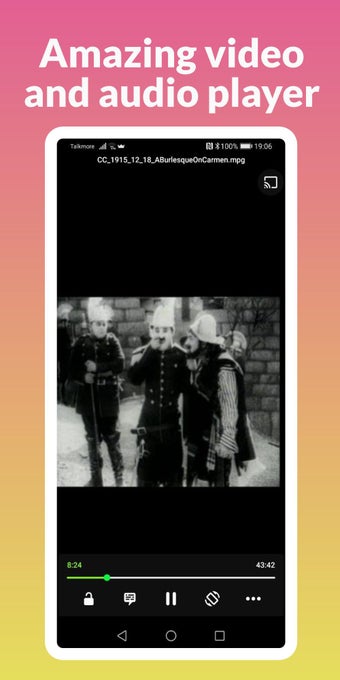
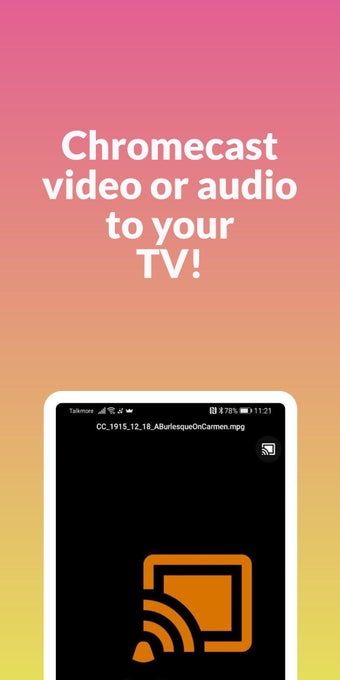
All in all, BitLord is a great download manager of a mobile app. Not only can you easily download torrent files but you can immediately stream them and even watch them on your TV using Chromecast. However, it can be tricky to operate for any first-time download client users, as there’s no tutorial that guides you through setting up a torrent. Nevertheless, it’s a highly recommended app for anyone.